Admin Panel UX Tips: Filters, Idles, and Table Performance

Tips Aug 12, 2025Updated: Dec 06, 2025
Admin Panel UX Tips: Filters, Idles, and Table Performance

Streamlined experience for operations teams

Practical tips to improve admin panel UX with a focus on filters, null states, and table performance.

“Operational speed increases directly with good UX designs.”

Admin Panel UX Tips

Operations teams want speed and consistency. Good UX reduces errors and increases efficiency.

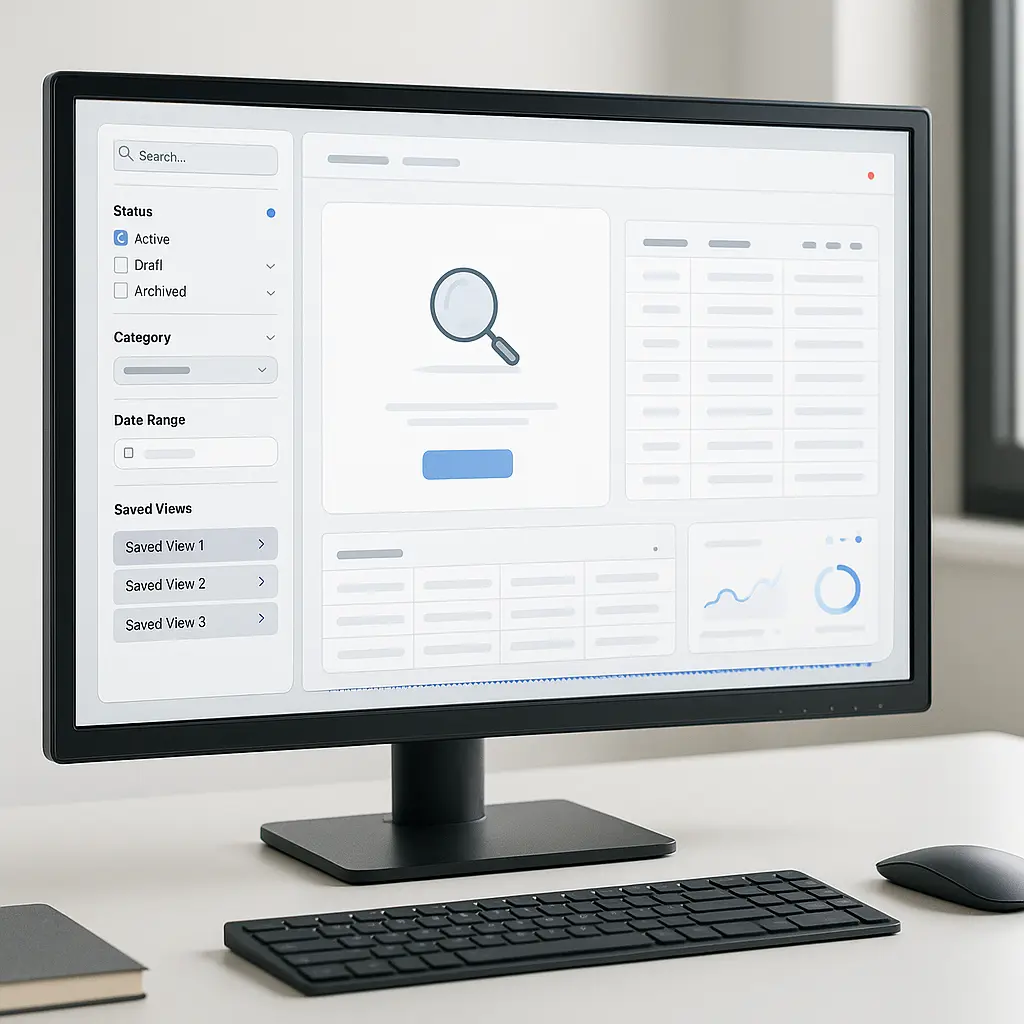
Filter & Search

  • Predefined views and saved filters
  • Search with Debounce and no-result suggestions

Empty States

  • Guidance texts and shortcuts that show the first step
  • Clear messages explaining permission/role errors

Table Performance

  • Virtual listing (virtualization) and pagination
  • Client/server-side sorting

The result: faster operation, fewer support tickets.

Put these ideas to work in your business.

Interested in a topic? Let’s look at your processes and explore possible solutions together.

Get in touch
Admin Panel UX Tips: Filters, Idles, and Table Performance